ChatGPT vs Claude for Social Media Analysis
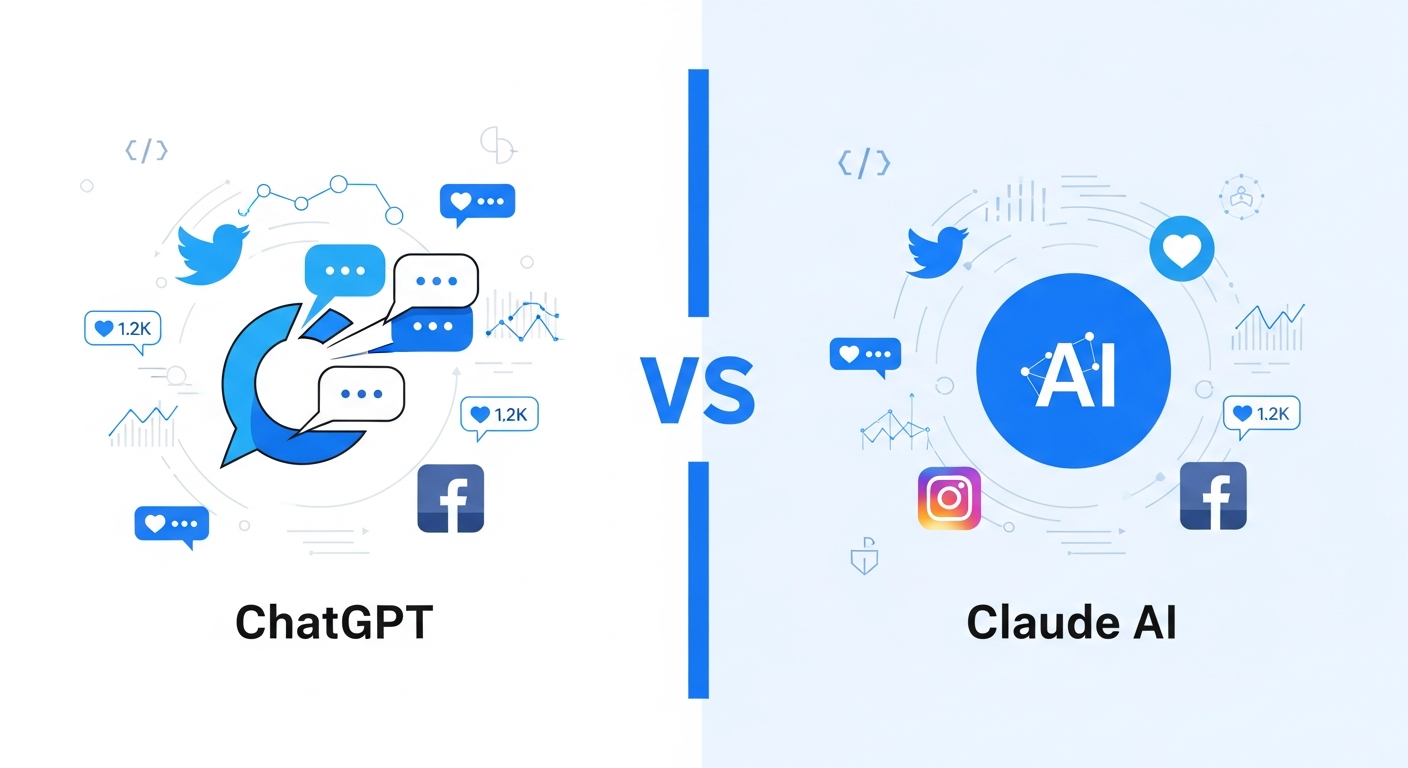
Both ChatGPT and Claude can analyze social media data, but they approach the task differently. This guide compares their capabilities for social intelligence work, helping you choose the right AI assistant for your needs.
Quick Comparison
| Factor | ChatGPT | Claude |
|---|---|---|
| MCP Support | Plugins/GPTs | Native MCP |
| Context Window | 128K tokens | 200K tokens |
| Code Execution | Code Interpreter | Artifacts |
| Data Access | Via plugins | Via MCP servers |
| Analysis Style | Versatile | Structured/precise |
| Best For | Varied tasks | Deep analysis |
Understanding the Architectures
ChatGPT's Approach
ChatGPT accesses external data through:
- Custom GPTs: Pre-built integrations for specific tasks
- Plugins: Third-party connections (availability varies)
- Code Interpreter: Upload CSVs for analysis
- Browse with Bing: Limited web access
For social media, this typically means:
- Export data from a social tool
- Upload to ChatGPT
- Analyze using Code Interpreter
Claude's Approach
Claude accesses external data through:
- MCP (Model Context Protocol): Direct integration with data sources
- File uploads: Document and image analysis
- Artifacts: Interactive code and visualizations
For social media with MCP:
- Connect MCP server (like Xpoz)
- Query data through conversation
- Analyze in-context with direct access
Detailed Capability Comparison
Data Access
ChatGPT:
- Requires data export from external tools
- File upload limit of 512MB per file
- Browse feature for limited web access
- Custom GPTs can integrate specific APIs
Claude:
- Direct database queries via MCP
- Real-time data access without export step
- No file size limits for MCP data
- Native integration with data sources
Verdict: Claude with MCP offers more seamless data access; ChatGPT requires intermediate steps.
Analysis Capabilities
ChatGPT with Code Interpreter:
Upload: exported_tweets.csv
Prompt: "Analyze sentiment distribution and identify top themes"

Result: Python analysis with charts
Claude with MCP:
Prompt: "Query tweets about 'brand name' this month, analyze sentiment,
         and identify top themes"

Result: Direct query + analysis without file handling
Verdict: Both analyze well; Claude streamlines the workflow by combining data access and analysis.
Context and Memory
ChatGPT:
- 128K token context window (GPT-4 Turbo)
- Memory feature for cross-conversation retention
- Custom GPTs maintain instructions
Claude:
- 200K token context window
- Longer conversations without context loss
- Projects feature for persistent context
Verdict: Claude's larger context window benefits extensive social analysis sessions.
Visualization
ChatGPT Code Interpreter:
- Generates Python matplotlib/seaborn charts
- Charts embedded in conversation
- Can iterate on visualizations
Claude Artifacts:
- Creates interactive React visualizations
- Exports standalone HTML/SVG
- Real-time preview and editing
Verdict: Both capable; ChatGPT excels at quick Python charts, Claude at interactive visualizations.
Social Media Analysis Workflows
Workflow 1: Brand Monitoring
ChatGPT Approach:
- Export mentions from social listening tool
- Upload CSV to ChatGPT
- Request analysis
"I've uploaded our brand mentions from this week. Analyze:
1. Daily mention volume
2. Sentiment breakdown
3. Top themes
4. Notable accounts mentioning us"
Claude with MCP Approach:
- Query directly through conversation
"Query all mentions of 'OurBrand' from Twitter and Instagram this week.
Analyze daily volume, sentiment breakdown, top themes, and notable accounts."
Difference: Claude eliminates the export-upload step.
Workflow 2: Competitor Analysis
ChatGPT Approach:
- Export competitor data from multiple sources
- Upload each file
- Request comparison
"I've uploaded mention data for three competitors. Compare:
- Share of voice
- Sentiment scores
- Engagement rates
- Content themes"
Claude with MCP Approach:
"Compare Twitter mentions for CompetitorA, CompetitorB, and CompetitorC
over the past 30 days. Analyze share of voice, sentiment, engagement,
and content themes for each."
Difference: Single query replaces multiple exports.
Workflow 3: Influencer Research
ChatGPT Approach:
- Export influencer list from discovery tool
- Upload to ChatGPT
- Analyze and filter
"This spreadsheet contains potential influencers. Identify the top 20
based on engagement rate and relevance to our industry."
Claude with MCP Approach:
"Find influencers in the 'sustainable fashion' space with 10K-100K followers,
engagement rates above 3%, and active posting. Rank by relevance and show
top 20 with their metrics."
Difference: Discovery and analysis in one step.
Workflow 4: Trend Research
ChatGPT Approach:
- Gather trend data manually or from tools
- Compile and upload
- Request analysis
"Based on this hashtag data, what trends are emerging in our industry?
Identify growth patterns and potential opportunities."
Claude with MCP Approach:
"What hashtags and topics are growing fastest in the 'fitness tech' space
over the past 60 days? Identify emerging trends and growth patterns."
Difference: Direct trend discovery vs. analyzing pre-gathered data.
MCP Integration Deep Dive
What MCP Enables for Claude
The Model Context Protocol allows Claude to:
-
Query databases directly
- Search tweets by keyword, date, user
- Access user profiles and metrics
- Pull engagement data
-
Perform operations
- Export results to CSV
- Count mentions over time
- Filter and sort data
-
Maintain context
- Reference previous query results
- Build on analysis iteratively
- Handle complex multi-step workflows
Sample MCP-Enabled Queries
Simple search:
"Find tweets mentioning 'product name' from verified accounts"
Complex analysis:
"Query tweets about 'AI in healthcare' from the past month.
Group by sentiment. For negative tweets, identify common complaints.
Export the negative tweets with their engagement metrics."
Network analysis:
"Who are the top 50 followers of @competitor by follower count?
Which of them have also engaged with our brand?"
ChatGPT Plugin/GPT Alternatives
ChatGPT can access social data through:
Custom GPTs:
- Pre-built social analysis GPTs
- Varies by availability and capability
- Often limited to specific platforms
Plugins (where available):
- Third-party social data access
- Reliability varies
- May have usage limits
Workarounds:
- Manual export → upload workflow
- Browser feature for public data
- Code Interpreter for analysis
Choosing the Right Tool
Choose ChatGPT When:
- You already have data exported: Code Interpreter handles CSVs well
- You need Python analysis: Built-in code execution
- Your workflow is ad-hoc: Quick file upload and analysis
- You use specific GPTs: Custom tools for your needs
- Budget is constrained: Free tier available
Choose Claude with MCP When:
- You need real-time data: Direct database queries
- You do this regularly: Streamlined workflow pays off
- Volume is high: No export/upload limitations
- You need depth: Larger context for complex analysis
- Multi-platform needed: Query Twitter, Instagram, TikTok, Reddit
Choose Both When:
- Different tasks suit different tools
- You want redundancy
- Team members prefer different interfaces
Practical Considerations
Setup Complexity
ChatGPT:
- Sign up and start
- Plugin setup if available
- Custom GPT creation for specialized needs
Claude with MCP:
- Install Claude Desktop
- Configure MCP server
- Initial setup ~5 minutes
Verdict: ChatGPT faster for basic use; Claude investment pays off for regular social analysis.
Cost Comparison
ChatGPT:
- Free tier: Limited
- Plus ($20/month): GPT-4 access
- Team ($25/month): Additional features
Claude:
- Free tier: Available
- Pro ($20/month): Higher limits
- MCP server costs vary (Xpoz: $0-200/month)
Verdict: Similar base costs; MCP server adds to Claude cost but reduces tool sprawl.
Learning Curve
ChatGPT:
- Intuitive for basic use
- Code Interpreter requires prompting skill
- Custom GPTs need configuration knowledge
Claude:
- Conversational style familiar
- MCP queries need pattern learning
- Setup requires technical comfort
Verdict: Both accessible; specific skills differ.
Sample Analysis Session Comparison
Scenario: Weekly Brand Report
ChatGPT Session:
1. Export Twitter mentions from social tool → export.csv
2. Export Instagram mentions → ig_export.csv
3. Upload both to ChatGPT

Prompt: "Analyze these brand mentions from Twitter and Instagram.
Create a weekly report with:
- Total mentions by platform
- Sentiment breakdown
- Top positive and negative themes
- Most influential mentions
- Recommendations for engagement"

[ChatGPT processes with Code Interpreter]
[Generates Python analysis]
[Creates summary and charts]
Claude + MCP Session:
Prompt: "Generate our weekly social brand report. Query mentions of
'OurBrand' on Twitter and Instagram from the past 7 days. Include:
- Total mentions by platform
- Sentiment breakdown
- Top positive and negative themes
- Most influential mentions
- Recommendations for engagement"

[Claude queries via MCP]
[Processes results]
[Generates report with analysis]
Result: Similar outputs; different workflows. Claude's is more streamlined.
Future Trajectory
ChatGPT Evolution
- Expanding plugin ecosystem
- More Custom GPT capabilities
- Potential MCP support
Claude Evolution
- Growing MCP server ecosystem
- Enhanced data integrations
- Deeper analysis capabilities
Market Direction
- Both platforms converging on external data access
- MCP becoming standard protocol
- Specialized integrations increasing
Key Takeaways
-
Claude with MCP streamlines social analysis by eliminating export/upload cycles.
-
ChatGPT excels with Code Interpreter when you already have data files.
-
Larger context window makes Claude better for extensive analysis sessions.
-
Setup investment differs: ChatGPT quick-start, Claude MCP pays off over time.
-
Both capable for social analysis—choice depends on workflow preference.
Conclusion
For social media analysis, the Claude + MCP combination offers the most streamlined workflow. Direct data access eliminates the friction of exporting from one tool and uploading to another. The larger context window helps with complex, multi-step analysis.
ChatGPT remains excellent for ad-hoc analysis when you already have data exported, and its Code Interpreter excels at Python-based analysis tasks.
The practical recommendation:
- Regular social analysis: Claude with MCP (like Xpoz)
- Occasional analysis with existing exports: ChatGPT
- Complex visualization needs: Test both for your use case
Most social media professionals will benefit from having access to both, using each where it excels. The good news: both are accessible and affordable, so you can experiment without major commitment.