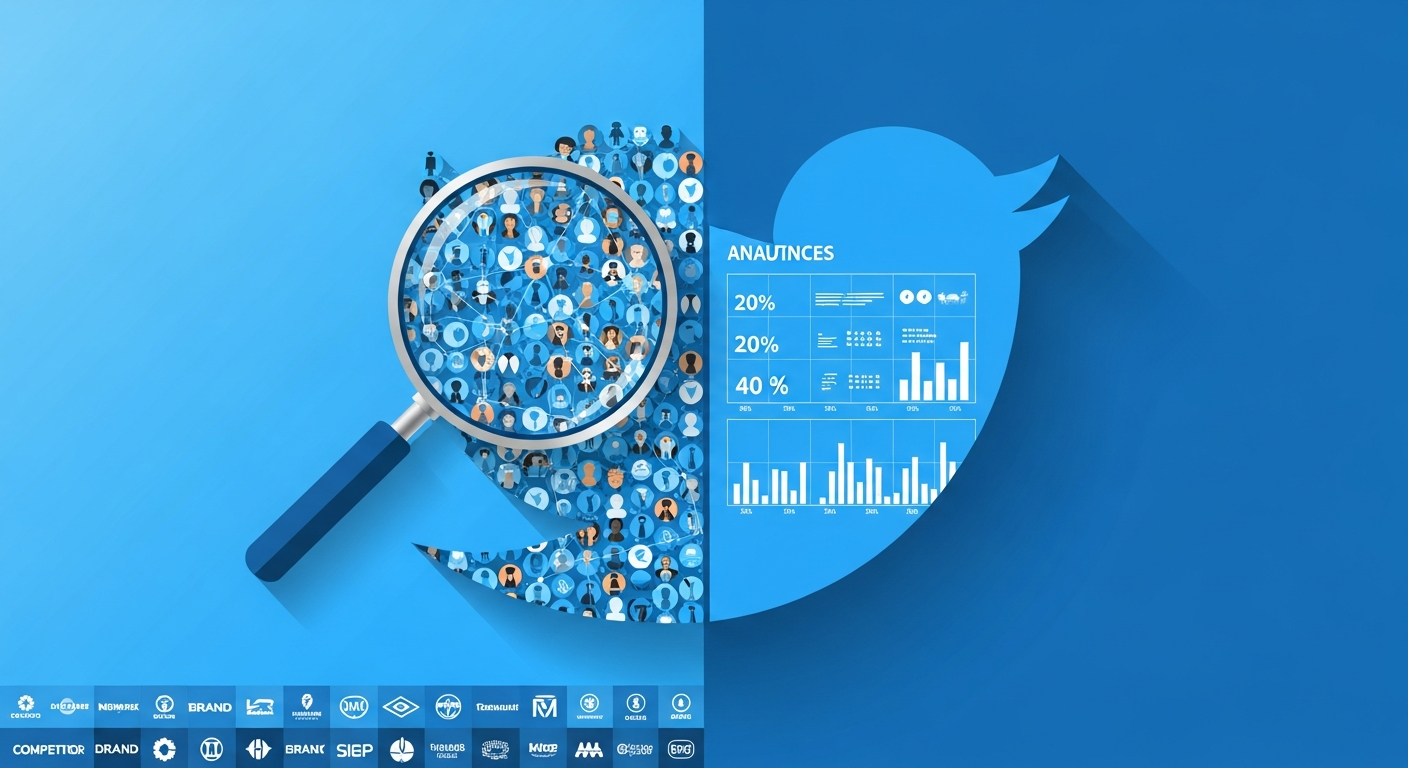

How to Build a Social Listening Dashboard
You've just launched a new product, and within hours, conversations are exploding across Twitter and Instagram. Some people love it. Others have questions. A few are complaining loudly. But you're piecing together insights from five different tabs, manually refreshing searches, and losing track of what matters.
This is the reality for most teams attempting social listening without a proper dashboard. The data exists—it's just scattered, overwhelming, and impossible to act on quickly.
Building a social listening dashboard changes everything. It transforms chaotic social signals into structured intelligence you can actually use. In this guide, you'll learn how to design, build, and operationalize a dashboard that surfaces the conversations that matter most to your business.
Introduction
Social listening has evolved from a nice-to-have marketing activity into a critical business intelligence function. Brands that monitor social conversations effectively can identify crises before they escalate, discover product opportunities from customer feedback, track competitive movements, and find engaged audiences ready to convert.
But raw social data is useless without structure. A well-designed dashboard turns millions of potential data points into actionable insights organized by what matters: brand mentions, sentiment trends, influencer activity, competitor movements, and emerging topics.
The challenge is that most social listening tools either overwhelm you with data or oversimplify it to the point of uselessness. Building your own dashboard—powered by real-time social intelligence APIs—gives you exactly what you need, nothing you don't, and the flexibility to evolve as your needs change.
Understanding What Your Dashboard Needs to Track
Before writing a single line of code, you need to define what questions your dashboard should answer. The best dashboards are built around specific intelligence requirements, not generic metrics.
Core Monitoring Categories
Brand Monitoring: Track direct mentions, product names, executive names, and branded hashtags. This includes both @mentions and untagged conversations where people discuss your brand without directly referencing your handles.
Competitor Intelligence: Monitor competitor brand mentions, product launches, customer complaints, and campaign performance. Understanding what's being said about competitors reveals market opportunities and threats.
Industry Conversations: Track broader topic keywords relevant to your space. If you sell project management software, you'd monitor conversations about productivity, remote work challenges, and team collaboration—not just your product name.
Sentiment and Crisis Signals: Identify sudden spikes in negative mentions, complaints that could escalate, or emerging issues before they become full-blown crises.
Influencer and Amplification Tracking: Monitor who's talking about relevant topics, who has influence in your space, and which voices are amplifying conversations that matter to you.
Defining Your Keyword Strategy
Effective social listening requires thoughtful keyword construction. Simple single-word searches return too much noise. Overly specific searches miss important conversations.
Use boolean logic to refine your monitoring:
- Exact phrases for product names and specific features:
"project management"captures the exact phrase rather than scattered mentions of "project" and "management" separately - OR operators for synonyms and variations:
"customer service" OR "customer support" OR "help desk"captures conversations across different terminology - AND operators for topic intersections:
"remote work" AND "productivity"narrows to conversations about both topics together - Exclusions for noise reduction:
"apple" NOT "fruit" NOT "recipe"when monitoring the tech company
Designing Your Dashboard Architecture
A social listening dashboard has three core layers: data ingestion, processing and storage, and visualization. Each layer requires different considerations.
Data Ingestion Layer
Your dashboard needs a reliable way to pull social data. This typically involves connecting to social media intelligence APIs that aggregate and normalize data from multiple platforms.
Key requirements for your data source:
- Multi-platform coverage: Twitter/X and Instagram at minimum, with Reddit and other platforms as bonuses
- Historical data access: Real-time monitoring is essential, but you also need historical context to identify trends
- Structured data fields: Raw post text isn't enough—you need engagement metrics, author information, timestamps, and relationship data
- Pagination support: Social queries often return thousands of results that need to be processed in batches
- Export capabilities: For deeper analysis, you'll want to export data to CSV for processing in spreadsheets or BI tools
Processing and Storage Layer
Raw social data needs processing before it becomes useful dashboard content. Your processing layer should handle:
Aggregation: Rolling up individual posts into hourly, daily, or weekly counts for trend visualization
Deduplication: Removing retweets and reposts when you want unique conversation counts
Enrichment: Adding derived fields like sentiment scores, topic categories, or influence tiers
Caching: Storing processed results to avoid redundant API calls and speed up dashboard loading
Visualization Layer
The front-end of your dashboard displays processed data in formats humans can quickly understand:
- Time-series charts for volume trends and spike detection
- Tables for drilling into specific posts and conversations
- Leaderboards for top influencers, most-engaged posts, and trending hashtags
- Alert panels for real-time notifications of threshold breaches
- Filters for segmenting by platform, date range, sentiment, and custom categories
Building Core Dashboard Components
Let's walk through the essential components every social listening dashboard needs.
Real-Time Mention Tracker
The heart of any social listening dashboard is a live feed of relevant mentions. This component continuously queries for new posts matching your keywords and displays them in reverse chronological order.
Your mention tracker should display:
- Post content with highlighted keyword matches
- Author username with follower count for influence context
- Engagement metrics (likes, retweets, comments)
- Timestamp with relative time display ("2 hours ago")
- Platform indicator for multi-platform dashboards
- Quick actions (flag for review, assign to team member, mark as resolved)
For keyword-based monitoring, you'd configure queries like:
Query: "your brand" OR "@yourbrand" OR "#yourbrand"
Fields: id, text, authorUsername, createdAtDate, likeCount, retweetCount, replyCount
Volume Trend Charts
Plotting mention volume over time reveals patterns invisible in raw feeds. Spikes indicate viral moments, PR events, or emerging crises. Dips might signal declining relevance or successful issue resolution.
Build trend charts by:
- Aggregating mention counts by time period (hourly for real-time, daily for longer trends)
- Overlaying multiple keyword series for comparison (your brand vs. competitors)
- Adding annotations for known events (product launches, campaigns, news coverage)
- Setting baseline calculations for anomaly detection
The countTweets capability is particularly useful here—it returns aggregate counts without retrieving full post data, making volume trend queries fast and efficient.
Influencer Identification Panel
Not all mentions are equal. A single post from an influencer with 500,000 followers can have more impact than a hundred posts from accounts with a few hundred followers each.
Your influencer panel should surface high-impact voices discussing relevant topics. For each influencer identified, display:
- Username and display name
- Follower count and verification status
- Number of relevant posts (how often they discuss your topics)
- Aggregate engagement on relevant posts
- Bio snippet for context
Using keyword-based user discovery, you can find people actively discussing topics relevant to your business—not just accounts that once mentioned you in passing. Configure with aggregate fields like relevantTweetsCount and relevantTweetsLikesSum to rank by actual engagement on topic-relevant content.
Engagement Analysis View
Understanding how people engage with conversations—not just that conversations exist—provides deeper intelligence. An engagement analysis view breaks down:
Comment sentiment: What are people saying in replies? Are responses positive, negative, or neutral?
Quote tweet analysis: When people quote-tweet content, what commentary are they adding? Quotes often contain stronger opinions than direct replies.
Amplification patterns: Who is retweeting content, and what's their audience profile? A post retweeted by a handful of high-follower accounts has different implications than one shared by many small accounts.
For deep-dive engagement analysis on specific posts, you'd pull comments, quotes, and retweets separately, then analyze each stream for patterns.
Network Mapping Component
Social listening becomes powerful when you understand not just what's being said, but who's connected to whom. Network mapping reveals:
- Which influencers follow each other (potential coordinated amplification)
- Audience overlap between accounts (shared communities)
- Information flow patterns (who amplifies whom)
Connection data for followers and following lists, combined with post interaction data, enables network visualization that reveals community structure invisible in post-level analysis.
How Xpoz Addresses This
Building a social listening dashboard requires reliable access to social data across platforms. Xpoz serves as the intelligence layer that powers your dashboard with structured, queryable social data from Twitter/X and Instagram.
Unified API for Multi-Platform Data: Rather than integrating with multiple platform APIs, each with different authentication, rate limits, and data formats, Xpoz provides normalized data structures across platforms. User profiles, posts, comments, and engagement metrics follow consistent schemas whether sourced from Twitter or Instagram.
Boolean Query Support: Xpoz's keyword search tools support the exact phrase, OR, AND, and NOT operators needed for precise monitoring. Queries like ("product launch" OR "new feature") AND "your brand" NOT "competitor" work directly without preprocessing.
Aggregation Fields for Influencer Discovery: When finding users by keywords, Xpoz returns aggregate metrics like relevantTweetsCount, relevantTweetsLikesSum, and engagement totals. This eliminates the need to retrieve all posts from each user just to calculate their relevance—the API returns influencer-ready data directly.
Engagement Thread Retrieval: Pull comments, quote tweets, and retweets for any post to analyze how conversations unfold. The getTwitterPostComments, getTwitterPostQuotes, and getTwitterPostRetweets endpoints provide the engagement data needed for sentiment analysis and discussion mapping.
Network Intelligence: Access follower and following lists with pagination support. For posts, retrieve the actual users who commented, quoted, or retweeted—not just counts, but profile data enabling network analysis.
CSV Export for Deep Analysis: For dashboard components that require statistical analysis or custom processing, Xpoz provides CSV export functionality. Large datasets can be exported for processing in Python, R, or BI tools without pagination limitations.
Built-in Data Freshness Management: Intelligent caching reduces redundant API calls while ensuring data remains current. When you need guaranteed real-time data for crisis monitoring, forceLatest bypasses caching.
Practical Examples
Example 1: Brand Health Dashboard
A consumer electronics company builds a dashboard monitoring their brand, three main competitors, and key product categories.
Mention tracker configuration:
- Brand panel:
"BrandName" OR "@brandname" OR "#brandname" - Competitor panels: Similar queries for each competitor
- Category panel:
"wireless earbuds" OR "noise cancelling" OR "Bluetooth headphones"
Daily automated reports aggregate mention volumes, calculate share of voice (brand mentions / total category mentions), and identify top posts by engagement.
Influencer alerts trigger when any account with 50,000+ followers mentions the brand, enabling rapid response to high-impact conversations.
Example 2: Crisis Detection Dashboard
A financial services firm builds a dashboard focused on early warning signals.
Real-time monitoring tracks brand mentions with negative sentiment indicators: "BrandName" AND ("problem" OR "issue" OR "angry" OR "frustrated" OR "worst")
Volume spike detection compares current hourly mention counts against rolling 7-day averages. Mentions exceeding 200% of baseline trigger alerts.
Thread analysis automatically pulls comments on any post that receives 10+ replies within an hour, enabling rapid assessment of emerging complaints.
Example 3: Competitive Intelligence Dashboard
A SaaS company tracks competitor product launches, customer complaints, and market positioning.
Competitor mention streams monitor each competitor's brand, product names, and executive team.
Customer pain point analysis searches for competitor mentions combined with complaint language, surfacing opportunities to engage dissatisfied competitor customers.
Launch detection monitors competitor brand names combined with announcement language ("announcing" OR "launching" OR "introducing" OR "new feature").
Key Takeaways
-
Define intelligence requirements before building: The best dashboards answer specific business questions, not just display generic metrics. Start with what decisions you need to make, then design data collection around those needs.
-
Boolean query construction is foundational: Precise keyword strategies using exact phrases, OR/AND operators, and exclusions determine the quality of your listening data. Invest time in query refinement.
-
Aggregate metrics enable scale: Retrieving and processing every individual post doesn't scale. Use aggregate fields (mention counts, engagement totals, relevance scores) for dashboard displays, diving into individual posts only when investigating specifics.
-
Network context adds intelligence depth: Who's connected to whom, who amplifies whose content, and how communities overlap provides intelligence impossible to derive from post-level analysis alone.
-
Export capabilities enable advanced analysis: Dashboard visualizations serve real-time monitoring, but deeper insights require statistical analysis. Ensure your data source supports bulk export for offline processing.
Conclusion
Building a social listening dashboard transforms how your organization engages with social intelligence. Instead of drowning in fragmented data or relying on oversimplified metrics from off-the-shelf tools, you gain a custom intelligence system designed around your specific needs.
The technical architecture—data ingestion, processing, and visualization—is straightforward. The real work is defining what intelligence matters, constructing effective keyword strategies, and building workflows that turn insights into action.
Start with a focused scope: one brand, one competitor, one key topic. Build the mention tracker and volume trend components first. Add influencer identification and engagement analysis as you validate the core infrastructure. Expand platform coverage and keyword complexity as your team develops fluency with the dashboard.
The conversations that matter to your business are happening right now. A well-designed dashboard ensures you never miss them.