Instagram Analytics Explained: Metrics That Actually Matter
You just hit 10,000 followers. Your last Reel got 50,000 views. But your DMs are quiet, your website traffic hasn't budged, and you can't remember the last time someone mentioned finding you through Instagram. What's going wrong?
The problem isn't your content. It's that you're watching the wrong numbers.
Introduction
Instagram analytics can feel like drinking from a firehose. The platform throws dozens of metrics at you—impressions, reach, engagement rate, saves, shares, profile visits, website clicks—and somehow you're supposed to make sense of it all. Most creators and marketers end up fixating on follower count or likes, the most visible but least useful indicators of actual performance.
Understanding Instagram analytics isn't about tracking everything. It's about identifying the handful of metrics that actually correlate with your specific goals, then building systems to monitor them consistently. This guide breaks down what each metric actually measures, which ones matter for different objectives, and how to extract insights that drive real decisions.
The Hierarchy of Instagram Metrics
Not all metrics carry equal weight. Think of Instagram analytics as a pyramid: vanity metrics sit at the top (easy to see, least meaningful), while bottom-funnel metrics form the foundation (harder to track, most valuable).
Vanity Metrics: Handle With Care
Follower count tells you almost nothing about account health. Accounts with 500,000 followers regularly underperform accounts with 50,000 engaged followers. Growth rate matters more than absolute numbers—a steady 2% monthly increase signals sustainable momentum.
Likes are the most overrated metric on the platform. Instagram's algorithm no longer weights likes heavily, and the rise of passive consumption (watching without engaging) means likes capture an increasingly small slice of actual audience interest.
Impressions count how many times your content appeared on screens. High impressions with low engagement usually means the algorithm showed your content but people scrolled past. Useful for reach analysis, misleading as a success metric.
Engagement Metrics: The Middle Ground
Saves indicate content worth returning to. When someone saves your post, they're signaling genuine value—they want to reference it later. High save rates correlate strongly with algorithmic favor and audience loyalty.
Shares measure whether your content is worth someone's social capital. Sharing requires more commitment than liking; the person is essentially endorsing you to their network. Track shares-to-impressions ratio for a cleaner signal.
Comments vary wildly in value. A comment saying "love this" carries different weight than a thoughtful question or genuine discussion. Comment depth and sentiment matter more than raw count.
Engagement rate combines multiple signals into a single percentage. Calculate it as (likes + comments + saves + shares) / followers × 100. Benchmarks vary by niche, but 3-6% is solid for most accounts under 100K followers.
Action Metrics: Where Business Happens
Profile visits show curiosity converting to interest. Someone saw your content and wanted to learn more about you. Track profile visits relative to impressions to understand conversion efficiency.
Website clicks represent the clearest intent signal. Users actively left Instagram to visit your site—a significant friction point. If this number isn't growing alongside your reach, your call-to-action strategy needs work.
DM conversations often get overlooked in analytics dashboards but represent high-intent engagement. Tracking DM volume and quality manually can reveal opportunities invisible in standard reports.
Native Instagram Insights: What You Get for Free
Instagram's built-in analytics provide surprisingly robust data for business and creator accounts. Here's how to extract maximum value from the free tools.
Accessing Your Data
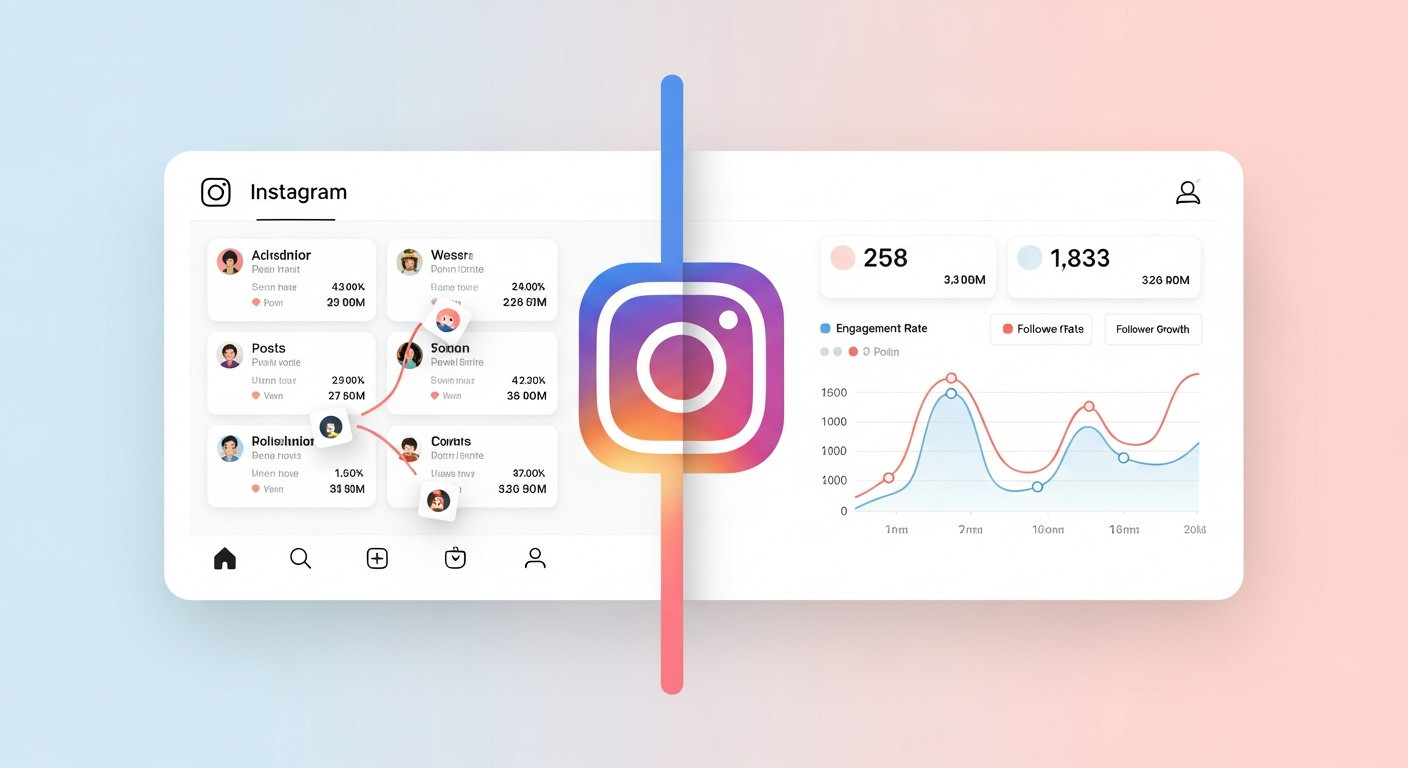
Tap the hamburger menu ↙ Insights to reach your analytics dashboard. You'll find three main sections: Overview (summary stats), Content (post-by-post performance), and Audience (demographic breakdowns).
The Overview tab shows accounts reached, accounts engaged, and total followers over your selected time period. These aggregate numbers help identify trends but require drilling deeper for actionable insights.
Content Performance Analysis
Under the Content tab, you can filter by content type (posts, Stories, Reels, Live) and sort by any metric. The real power comes from comparative analysis:
- Sort Reels by shares to find your most viral content
- Sort carousel posts by saves to identify evergreen topics
- Compare reach between content types to understand format preferences
Pay attention to the "Discovery" section on individual posts. It shows what percentage of reach came from hashtags, Explore, Home feed, and other sources. This reveals which distribution channels work for your content.
Audience Intelligence
The Audience tab reveals follower demographics: age ranges, gender split, top locations, and most active times. Cross-reference active times with your posting schedule—if your audience is most active at 7 PM but you post at noon, you're leaving reach on the table.
Location data helps inform content strategy. If 40% of your audience is in a specific city or country, consider localized content, time zone-appropriate posting, or region-specific offers.
Limitations of Native Analytics
Instagram Insights has blind spots. You can't see competitor data. Historical data beyond 90 days requires manual tracking. Audience data shows followers only, not the broader audience engaging with your content. And you can't easily export data for deeper analysis or combine it with other channel metrics.
Try this with Xpoz
No API keys needed. Query Twitter, Reddit, Instagram & TikTok with natural language.
Third-Party Tools: When Native Isn't Enough
The native analytics gap creates demand for external tools. Most fall into several categories:
Scheduling tools with analytics (Later, Buffer, Hootsuite) provide historical tracking, competitor comparison, and cross-platform dashboards. Useful for agencies managing multiple accounts.
Dedicated analytics platforms (Iconosquare, Sprout Social) offer deeper Instagram-specific analysis, including hashtag performance, optimal posting times calculated from your specific data, and benchmarking against industry averages.
Social listening tools track brand mentions, hashtag usage, and conversation themes across the platform—even on posts you don't own. This moves beyond your own account's analytics into broader market intelligence.
The right tool depends on your needs. Solo creators often find native insights sufficient with manual tracking in a spreadsheet. Brands running paid campaigns need more sophisticated attribution. Agencies require multi-account management and client reporting.
How Xpoz Addresses This
For users who need intelligence beyond their own account—tracking competitors, monitoring brand mentions, or analyzing audience behavior at scale—traditional analytics tools hit a wall. They can only show you data from accounts you own or manage.
Xpoz takes a different approach through social media intelligence gathering. Instead of just tracking your own metrics, you can analyze any public Instagram account, monitor keyword mentions across the platform, and map the networks of users engaging with specific content.
The getInstagramUser tool retrieves detailed profile data including follower counts, engagement metrics, and posting frequency for any public account. Want to benchmark against competitors? Pull their profile data alongside yours.
For content monitoring, getInstagramPostsByKeywords searches posts by caption text and hashtags across the platform. Track brand mentions without relying on tags. Monitor industry conversations. Identify content themes resonating in your niche before they hit mainstream.
The audience intelligence capabilities go deeper. getInstagramPostInteractingUsers reveals who's commenting on and liking specific posts—not just counts, but actual user profiles. This enables genuine audience research: who engages with your top competitor's content? What do those users have in common? Where else do they participate?
This shifts Instagram analytics from retrospective reporting to proactive intelligence gathering.
Practical Examples
Example 1: Content Strategy Refinement
A fitness coach notices her Reels get 10x the reach of her carousel posts, but carousels drive more website clicks. The instinct might be to abandon carousels for Reels.
Better analysis: Calculate click-through rate (clicks / reach) for each format. If carousels convert at 2% and Reels at 0.1%, the lower-reach format might actually deliver more business value. The strategic move is using Reels for awareness and carousels for conversion, not optimizing for a single metric.
Example 2: Competitor Analysis
A boutique skincare brand wants to understand why a competitor with similar follower count seems to generate more buzz.
Using Xpoz's getInstagramPostsByUser to pull the competitor's recent content, they discover the competitor posts 40% more frequently and uses a consistent posting schedule. More revealing: getInstagramPostInteractingUsers shows the competitor's most engaged commenters are micro-influencers in the skincare space who appear to receive free products. The insight isn't about posting frequency—it's about an influencer seeding strategy that standard analytics would never reveal.
Example 3: Audience Migration Tracking
A podcast host promotes new episodes on Instagram and wants to track whether Instagram engagement correlates with downloads.
She implements UTM parameters on all Instagram link clicks, then tracks weekly: Instagram reach, website clicks from Instagram (via native insights), and podcast downloads with Instagram UTM tags (via podcast host analytics). After eight weeks, she discovers that Instagram Stories with audiogram clips drive 3x more downloads than static posts about new episodes. She redirects effort accordingly.
Key Takeaways
-
Saves and shares outweigh likes as engagement signals. These metrics indicate genuine value and predict algorithmic distribution better than passive engagement.
-
Action metrics trump vanity metrics for business outcomes. Profile visits, website clicks, and DM conversations represent intent that follower counts can't capture.
-
Comparative analysis beats absolute numbers. Engagement rate relative to your historical performance matters more than industry benchmarks. Week-over-week trends reveal more than single snapshots.
-
Native analytics cover 80% of needs for individual creators. Add third-party tools when you need competitor data, longer historical tracking, or multi-platform consolidation.
-
True social intelligence requires looking beyond your own account. Understanding your broader market—competitor strategies, audience behavior patterns, conversation themes—demands tools built for research, not just reporting.
Conclusion
Instagram analytics become valuable when you stop trying to track everything and start focusing on metrics that connect to your actual goals. For awareness, watch reach and impression sources. For engagement, prioritize saves and shares over likes. For conversion, track profile visits and website clicks obsessively.
Build a simple weekly tracking habit: five minutes reviewing the metrics that matter, noting trends, and adjusting one variable at a time. Sophisticated analysis doesn't require sophisticated tools—it requires asking better questions about what the numbers mean.
When you're ready to move beyond your own account's data and understand the broader Instagram landscape—your competitors, your industry's conversation, the audiences you haven't reached yet—that's when intelligence tools earn their place in your workflow. Start with what you have, add complexity only when you've outgrown simplicity.