How to Connect Claude or ChatGPT to Live Social Media Data (2026)
AI assistants cannot see current social media posts out of the box: their training data ends months before today, and built-in web search skims pages rather than searching platforms. The standard way to change that in 2026 is a remote MCP (Model Context Protocol) server, which both Claude and ChatGPT support as a connector you add once in settings.
This tutorial walks through both setups end to end, using Xpoz (our tool, a social data layer covering Twitter/X, Instagram, Reddit, and TikTok) as the worked example, then compares the alternatives: workflow platforms like Zapier, official platform APIs, and other MCP servers.
What "Connecting" Actually Means
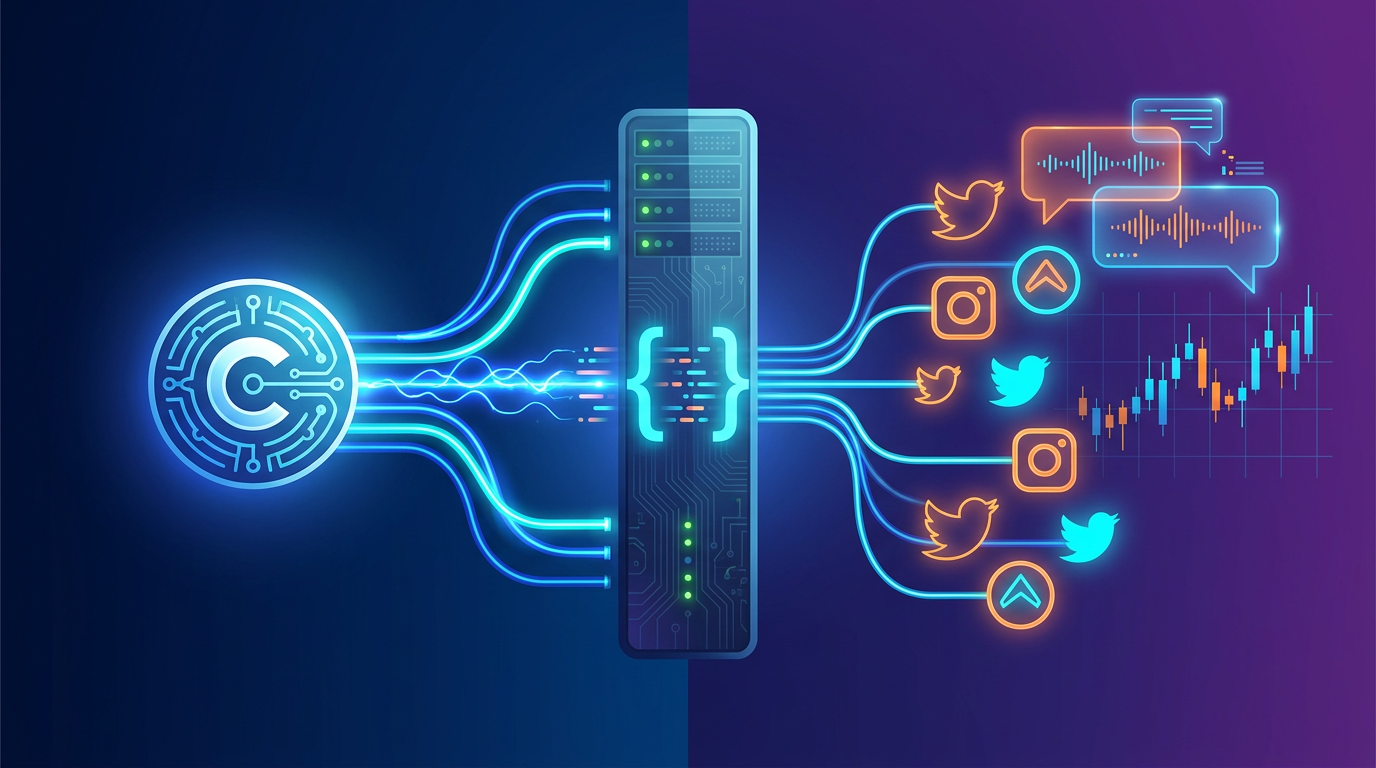
MCP is an open standard that lets an AI assistant call external tools during a conversation. A remote MCP server runs on the provider's infrastructure and exposes tools over HTTPS, so there is nothing to install and no code to run. You paste one URL into your assistant's settings, sign in, and the assistant gains search tools it can invoke whenever a question needs live data.
For social media specifically, that means the assistant can run keyword and hashtag searches, pull user profiles and follower data, read comment threads, and export results, all mid-conversation. You ask in plain English; the assistant decides which tools to call and assembles the answer from real posts rather than from memory.
What You'll Be Able to Ask
After either setup below, questions like these return structured, current results:
"Find Reddit and Twitter posts from this week complaining about [competitor]"

"Who are the most-followed accounts posting about AI agents on X?"

"Pull the comments on this TikTok and summarize the sentiment"

"How many times was our brand mentioned across all four platforms this month?"
Connect Claude (Web or Desktop, ~2 Minutes)
Claude supports remote MCP servers as custom connectors on claude.ai and in Claude Desktop:
- In Claude, open Settings → Connectors
- Choose Add custom connector
- Paste the server URL:
https://mcp.xpoz.ai/mcp - Complete the sign-in when prompted (Google sign-in; this creates a free account if you don't have one)
That is the whole setup: no local install, no npm packages, no API key to paste. Verify it by asking "Can you access Twitter data through Xpoz?" in a new chat.
Platform-specific walkthroughs with screenshots: Claude on the web, Claude Desktop, Claude Code, and Claude Cowork.
Try this with Xpoz
No API keys needed. Query Twitter, Reddit, Instagram & TikTok with natural language.
Connect ChatGPT (Developer Mode, ~3 Minutes)
ChatGPT accepts full remote MCP connectors through developer mode, available on paid plans (Plus, Pro, Business, Enterprise, Education) in the web app, per OpenAI's developer mode guide:
- Open Settings and find the connectors section (labeled Apps or Connectors depending on rollout)
- Under Advanced, turn on Developer mode
- Back in the connectors list, click Create and paste the server URL:
https://mcp.xpoz.ai/mcp - In a new conversation, open the + menu, choose Developer mode, and enable the connector (connectors are enabled per conversation)
Two ChatGPT-specific notes: without developer mode, ChatGPT only accepts connectors built for its deep-research interface, so the full toolset needs the developer-mode path; and you re-enable the connector in each new conversation where you want it. The ChatGPT setup guide keeps the current click path with screenshots.
The Alternatives, Compared
A remote MCP server is not the only way to get social data into an AI workflow. Here is the landscape, stated factually:
| Approach | How it works | Strengths | Trade-offs |
|---|---|---|---|
| Remote MCP server (Xpoz, others) | Assistant calls hosted search tools mid-conversation | Conversational, cross-platform, no keys, minutes to set up | Bounded by the provider's index and platform coverage |
| Zapier / Make automations | Event-driven workflows with AI steps | Great for scheduled digests, alerts, posting | Not conversational; per-task setup; social data sources vary by plan |
| Official platform APIs + function calling | You build tools on each platform's API | Full control, first-party data | Separate keys, approvals, rate limits, and costs per platform; engineering time |
| Scraping/data vendors with MCP endpoints (Apify, Bright Data) | Marketplace actors or proxy infrastructure exposed as tools | Deep per-platform extraction options | Setup and cost scale with usage; often per-platform configuration |
The decision usually reduces to one question: do you want the assistant to answer questions about social data (MCP connector), or do you want pipelines that run on a schedule (automation platforms and custom API builds)? Teams that need both commonly connect an MCP server for research and keep automations for recurring delivery.
What It Costs
Xpoz pricing, stated plainly: the free tier includes 500 credits (roughly up to 75,000 results, one-time, no credit card), Pro is $20/month with up to 1,000,000 results per month, and Max is $200/month with up to 18,000,000 results per month. Official platform APIs price very differently per platform; our Twitter/X API pricing guide breaks down what building direct costs.
FAQ
Can Claude or ChatGPT access live social media data?
Not out of the box. Both assistants train on snapshots and their built-in web search only skims public pages, so they cannot search social posts at scale. Both support MCP connectors, and a remote MCP server that indexes social platforms gives them live, structured access to posts, profiles, and comments through plain-language questions.
How do I connect ChatGPT to an MCP server?
Enable developer mode first: in ChatGPT on the web, open Settings, go to the Apps/Connectors section, and turn on Developer mode under Advanced (paid plans only). Then create a connector with the server's URL and enable it per conversation from the + menu.
Do I need API keys from Twitter, Reddit, Instagram, or TikTok?
Not with the remote-server approach. A hosted MCP server maintains its own index and authenticates you with a single OAuth sign-in, so there are no per-platform developer accounts, keys, or rate-limit tiers to manage. Building directly on official platform APIs means separate keys, approvals, and costs per platform.
What is the difference between MCP connectors and Zapier for social media?
Zapier and Make run event-driven workflows: a trigger fires and steps execute, which suits scheduled digests and alerts. An MCP connector gives the assistant itself the ability to search and analyze data mid-conversation, so you can ask follow-ups and pivot the analysis on the spot.
Next Steps
- Full setup references for every client live in the integrations docs.
- For choosing between social-data MCP servers, see Best MCP Servers for Social Media Data.
- For a worked Twitter research session once connected, see How to Query Twitter with Claude AI.