How to Search Instagram Posts by Keyword (2026)
You can search Instagram posts by any keyword, in captions and even in video subtitles, three ways: Instagram's own search bar (free, fast, incomplete), Google search operators (free, external, stale), and programmatic keyword search over indexed post data (complete, filterable, exportable). Which one you need depends on whether "some good matches" is enough or you need every match.
Instagram's native search got real keyword support: it now reads captions, alt text, and text inside images. But it ranks by relevance, popularity, and personalization, so you never see everything. This guide covers all three routes honestly, starting with the free ones. Route 3 uses Xpoz, our social data tool, for the cases the first two can't handle.
The Three Methods Compared
| Method | Coverage | Freshness | Filters & export | Cost |
|---|---|---|---|---|
| Instagram native search | Partial: personalized, popularity-ranked | Real-time | None | Free |
Google site:instagram.com | Small fraction of public posts | Often days to weeks stale | Google operators only | Free |
| Programmatic (Xpoz) | All indexed public posts matching the keyword | Fresh, with historical window | Boolean queries, engagement filters, CSV | Free tier; $20/mo |
Route 1: Instagram's Native Keyword Search
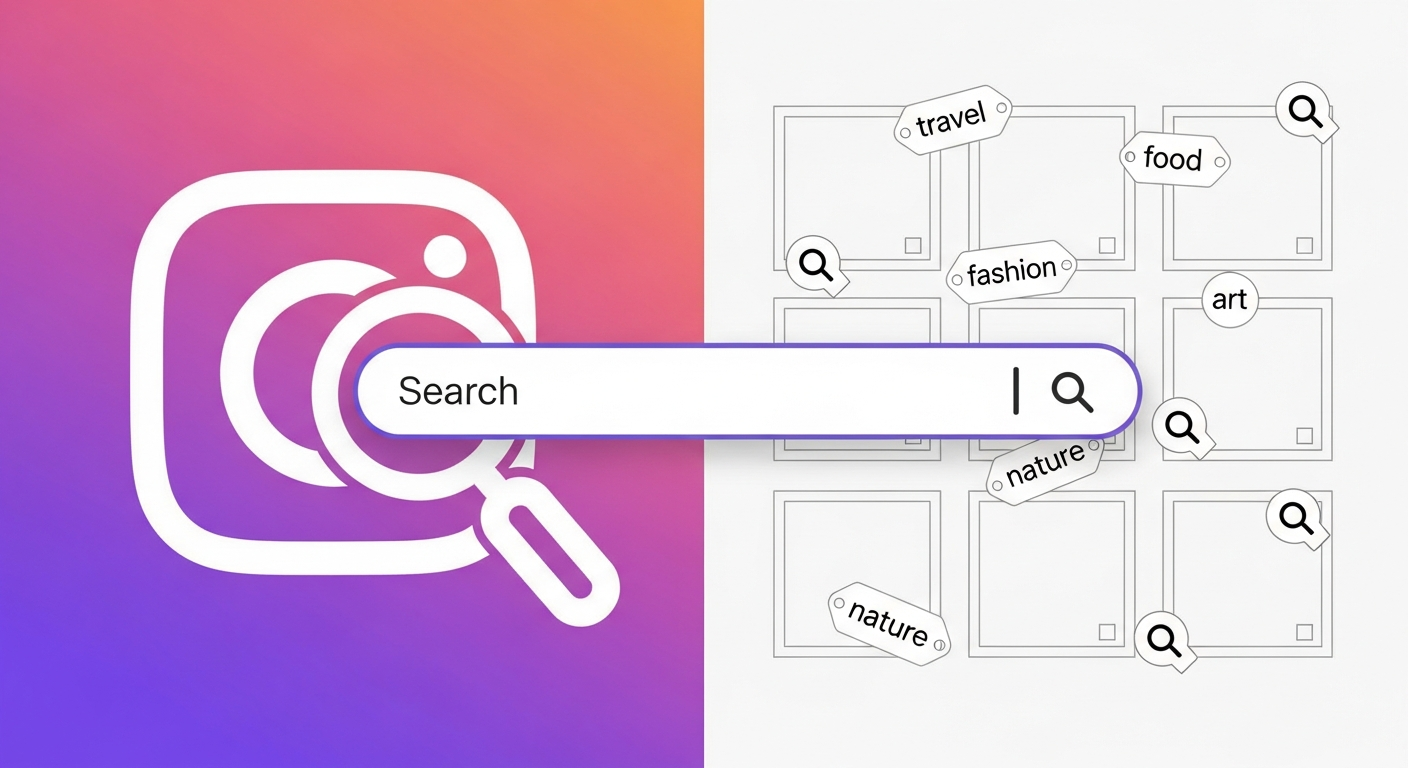
Type a phrase, not just a hashtag, into the search bar in the Instagram app and open the Posts and Reels tabs. Since Instagram upgraded search into a keyword engine, natural phrases like "matcha latte recipe" or "trail running shoes review" return posts whose captions, alt text, or in-image text match the meaning of the query, not just exact hashtags.
What it's good for: browsing a topic, checking what's trending, finding accounts to follow. It's the right tool when you want good matches.
The caps to know:
- Results are personalized and popularity-ranked. Two people running the same search see different posts, and low-engagement posts may never surface even when they match exactly.
- No exhaustiveness. Instagram does not show every post containing your keyword. Private posts never appear, and some public posts simply aren't indexed for search.
- No filters, no export. You can't restrict by date or engagement, and there's no way to get results out of the app.
- Mobile-first. The app's search is richer than the web version's, which frustrates desktop research workflows.
Route 2: Google Search Operators
Google indexes part of Instagram, so you can search it from outside:
site:instagram.com "sustainable packaging"
site:instagram.com/p/ "cold plunge"          ← posts only
site:instagram.com/reel/ "marathon training" ← reels only
Adding intitle: or a location word narrows further, and Google's Tools → Any time filter gives you a date range, something Instagram itself doesn't offer.
The caps: Google's Instagram index is a small, slow slice. Only a fraction of public posts get indexed, popular accounts are heavily over-represented, and freshness lags. A post from this morning almost never appears. Use this route for finding older, popular posts on desktop; don't use it to monitor anything.
Try this with Xpoz
No API keys needed. Query Twitter, Reddit, Instagram & TikTok with natural language.
Route 3: Programmatic Keyword Search (Complete Results)
When the job is "find every recent public post mentioning X" (brand monitoring, UGC discovery, competitor research, trend analysis), the reliable route is keyword search over an independently indexed dataset, matched against caption text directly instead of ranked by an engagement algorithm.
Xpoz does this: its getInstagramPostsByKeywords search covers captions and video subtitles, supports boolean operators, and returns structured results with engagement counts. There's no consumer UI, and you can reach it two ways.
Through an AI assistant (Claude, ChatGPT, Cursor), you ask in plain English:
"Search Instagram posts mentioning 'oat milk' OR 'oatmilk'
from the last 30 days. Show caption, username, like count,
comment count, and link, sorted by likes."
Follow-ups run on the same data: "only posts with 500+ likes", "which accounts posted the most?", "export all of it to CSV".
From your own code, with no chatbot involved: the same search is available through the REST API, the TypeScript SDK (@xpoz/xpoz on npm), the Python SDK (xpoz on PyPI), and the xpoz-cli command line. That's the route for scheduled jobs, data pipelines, and scripts:
from xpoz import XpozClient

client = XpozClient("your-api-key")
results = client.instagram.search_posts('"oat milk" OR oatmilk')
Either way, subtitle coverage matters more than it sounds. A Reel about your brand often never names it in the caption, only in speech.
What it costs and where it fits: free tier of roughly up to 75,000 results (one-time); the $20/month tier covers up to 1,000,000 results across Instagram, Twitter/X, TikTok, and Reddit. The trade-off mirrors Route 1's in reverse: complete, filterable results, but no swipeable browsing feed. It's a research tool, not a consumer app. (If you're comparing programmatic options after Meta's API changes, see Best Instagram API Alternatives.)
Which Route for Which Job
- "What's trending around this topic?" Route 1. Personalized ranking is a feature here.
- "Find that viral post from a few months ago." Route 2 with a date filter, or Route 3 with a date range.
- "Every post mentioning my brand this week." Route 3. Routes 1 and 2 will silently miss most of them.
- "Posts about a topic, filtered by engagement, in a spreadsheet." Route 3, the only route with filters and export.
- "Track a keyword continuously." Route 3 with tracked keywords, or an AI agent running the search on a schedule.
For what to do with the results (engagement benchmarks, measuring share of voice), see Instagram Analytics Explained.
Key Takeaways
- Instagram search is real keyword search now (captions, alt text, in-image text), but it's personalized and never exhaustive.
- Google's
site:instagram.comtrick adds date filtering and desktop comfort, at the cost of a stale, partial index. - Complete results require the programmatic route: keyword search over indexed captions and subtitles (Xpoz, free tier available), with boolean queries and CSV export.
- Match the route to the question: browsing calls for native search; old popular posts call for Google; monitoring, research, or anything needing every match calls for programmatic search.
Frequently Asked Questions
Is there an Instagram post finder?
Yes, three kinds. Instagram's own search bar finds posts by keyword but personalizes and limits results. Google works as a free external post finder with site:instagram.com "keyword" queries, though its Instagram index is incomplete and often stale. For exhaustive results, programmatic tools like Xpoz search indexed Instagram captions and video subtitles by keyword and return every match with engagement data, from a free tier.
Can you search Instagram posts by words?
Yes. Type a phrase into Instagram's search bar and open the Posts/Reels tabs. Instagram matches captions, alt text, and even text inside images. The catch: results are personalized, favor popular content, and never show everything. To search by words exhaustively (every public post whose caption contains your phrase), you need keyword search over indexed data. Xpoz's getInstagramPostsByKeywords does this, including boolean operators.
How do I find Instagram posts about a topic?
Start free: search the topic phrase in the Instagram app and check the Posts, Reels, and Tags tabs, then try Google with site:instagram.com plus your topic in quotes. If you need complete coverage (every recent public post about the topic, filterable and exportable), use a programmatic search tool. With Xpoz, one plain-English query through an AI assistant returns matching posts with links, captions, and engagement counts; developers get the same search from code through its REST API, SDKs, and CLI.
Why can't I find an Instagram post I know exists?
Instagram search is not exhaustive: it personalizes results, favors viral and recent content, skips private accounts, and doesn't index every public post. Google only indexes a fraction of Instagram. If the post is public, keyword search over an independently indexed dataset (the programmatic route) is the reliable way to retrieve it, because the caption text is matched directly instead of ranked by an engagement algorithm.
Conclusion
Searching Instagram posts by keyword in 2026 is a three-tier ladder: the app for browsing, Google operators for dated desktop digging, and programmatic caption search when the answer has to be complete. Climb only as high as the job requires.
If the job is monitoring or research, start with the programmatic route's free tier. Xpoz gives roughly up to 75,000 results (one-time) across Instagram, Twitter/X, TikTok, and Reddit at $0, queried in plain English from the AI assistant you already use, or from your own code through the SDKs and CLI.